Online account | New login method for greater convenience and security
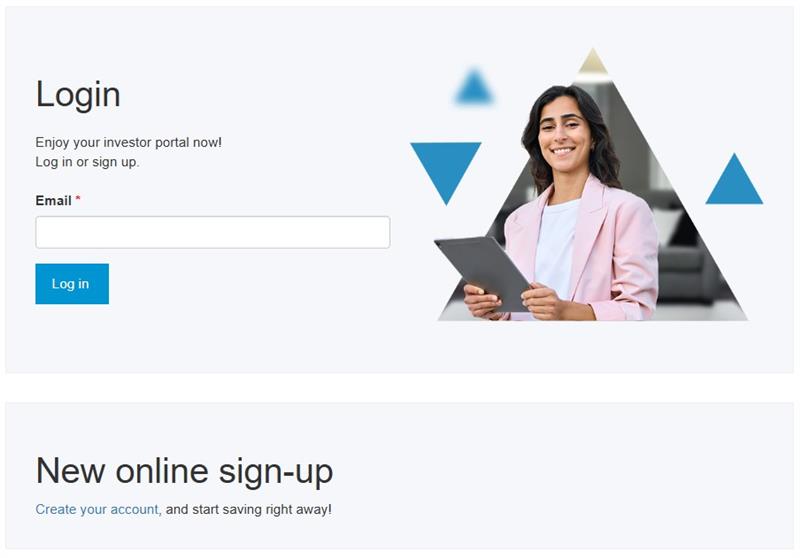
A new way to log in to your online account with Fondaction:
Your email address is now your login ID

Dear shareholders,
Since April 1st, 2026, we have made significant enhancements to your online experience.
In order to increase its platform’s security and ease of use, Fondaction has updated the process for logging in to accounts. The email address now replaces the shareholder number as login ID.
New login ID
You must now enter your email address as your new login username, along with a new password, replacing the unique identification number (FON ######) previously used.
Here are the steps to follow:
- Enter the email address you use as your login ID.
- Click the “Log in” button.
- Confirm your registration using the 6-digit code you’ll receive by email.
- Create your new password.
- Validate your identity using either your personal information (date of birth, social security number, postal code) or your previous login ID (FON user ID and password).
Even more security?
This new login method now makes multifactor authentication possible. This upgrade will help you further enhance security for your account.
Although this feature will be optional for the time being, we highly recommend that you enable multifactor authentication, as this measure aims to better protect your personal information and increase reliability of our online services.
New enrolment
Your online account is secure and accessible at any time! This self-service tool enables you to view your account details, statements and documents, as well as submit enrolment and contribution applications online.
If you don’t already have an online account, you can set one up in just four simple steps:
- Click « Create your account » in the login window
- Enter a unique, personal email address and a password
- Complete your registration by clicking on the link you’ll receive by email
- Validate your identity
Since the email address will become your login ID, it must be:
Personal, to ensure you always have access to the activation and/or reset email (for example, avoid using an employer-related email)
Unique to each saver (do not use the same email address for several accounts)
Using your email address as your username makes online access easier while enhancing the security of your personal information.
Thank you for your trust and cooperation as we continue to improve your online experience with Fondaction!
Frequently Asked Questions
FAQ — Upgrading Fondaction’s login process
Find answers to your questions about the new login method and your account’s security
Updating the login ID
To enhance the platform’s security and ease of use, Fondaction is replacing the unique identification number (FON#######) with your email address as the new login username. In addition, your registration must be validated using a 6‑digit code sent to you by email when you log in.
No, this change only applies to the login method. Your information, investments and documents will remain accessible as they were before, simply through the new login ID.
You simply need to enter the email address you’d like to use and it will replace the old email address associated with your account.
No, each user of a Fondaction online account must have a unique email address, because it will serve as your unique ID.
Enhanced security for your account
A new multifactor authentication solution is now offered to all savers, as an option. This measure aims to better protect your personal information and to increase the reliability of our online services.
It’s a security process by which a person is asked to use at least two different methods of proving their identity when they log in. For example, in addition to the usual password, they could be required to provide a code they’ve received by email. This approach secures your account access, as it becomes harder for an unauthorized person to log in to it, even if the password is known.
For the time being, this measure is optional. However, we strongly recommend that you enable it, because it provides you with additional security during the login process.
Resource support
For any specific question, feel free to contact Shareholder Services or visit the Contact us page if you’d like to write us a message.